
Download CopyToDVD – burn CDs, burn DVDs, CD burner, DVD burner, data disc, audio-video compilation, media creation, file backup, digital media, burn disc, create disc, copy files to disc, data storage, backup files, digital archive, media library
Overview
CopyToDVD is a dedicated utility designed to simplify the process of burning CDs and DVDs, offering a reliable solution for users seeking to create physical media from digital files. The application is tailored for individuals who may find traditional disc-burning software complex or intimidating, providing a streamlined workflow that minimizes technical barriers. It supports the creation of data discs, audio-video compilations, and digital archives, making it suitable for personal, educational, and small business use.
The tool is particularly useful for users who need to back up important files, share large media collections, or distribute content across devices without relying on cloud storage or external drives. Its long-standing presence in the software ecosystem since its release on March 11, 2013, reflects its stability and continued relevance in a world where physical media remains a viable option for certain workflows. Although the developer did not provide additional technical details about the software’s architecture or target audience demographics, the app’s free availability and focus on accessibility suggest it was built with general users in mind.
Real-world use cases include transferring family photos, creating music playlists, archiving project files, and preparing presentations for offline delivery. For those who still rely on optical drives or require portable, durable storage, CopyToDVD offers a practical and efficient path to media creation.
Key Features & Functionality
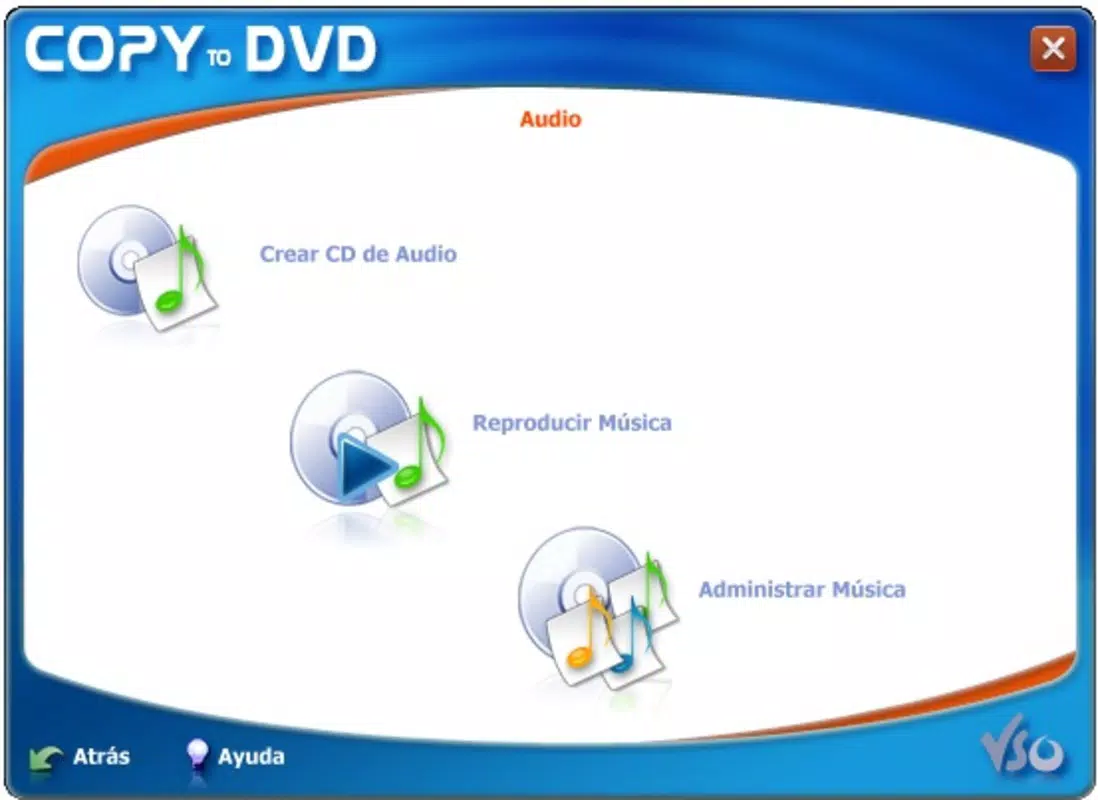
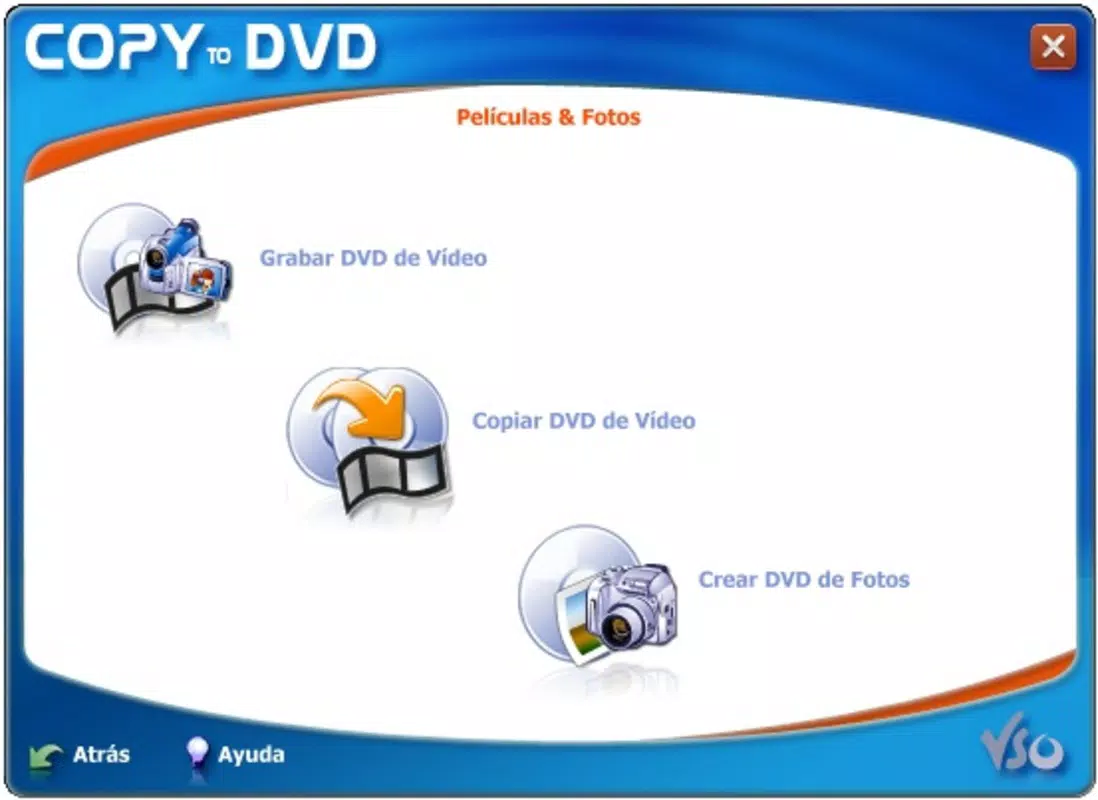
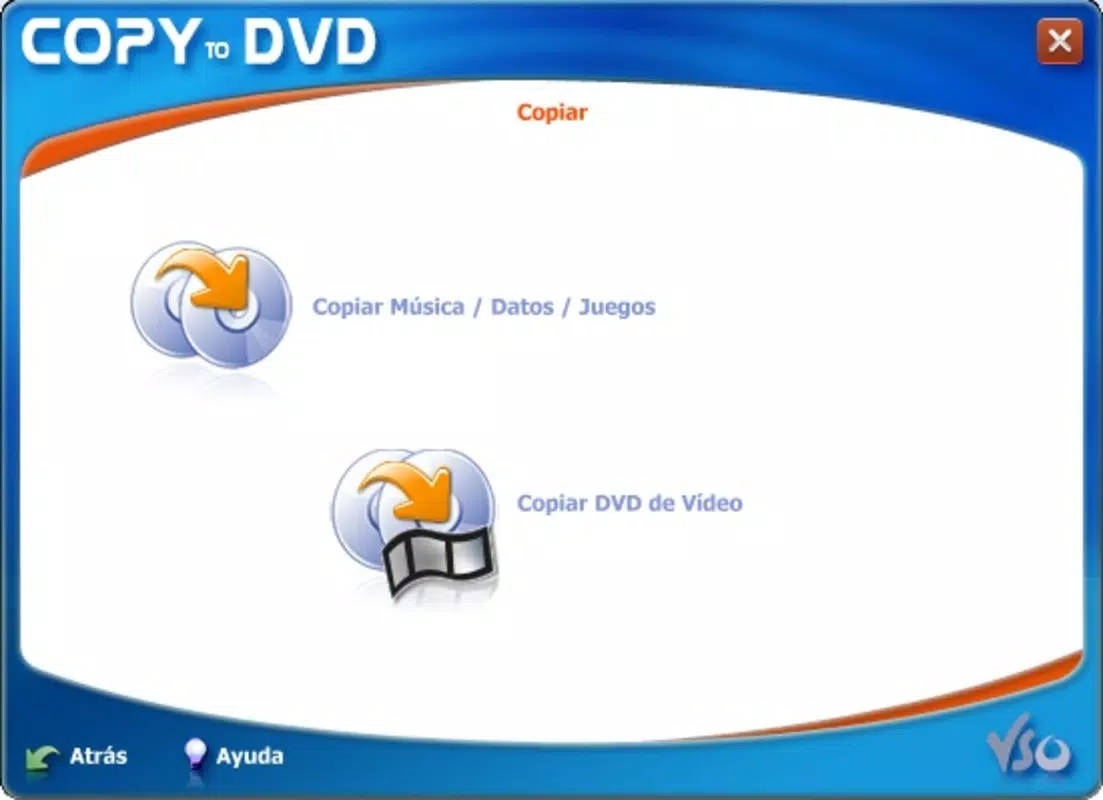
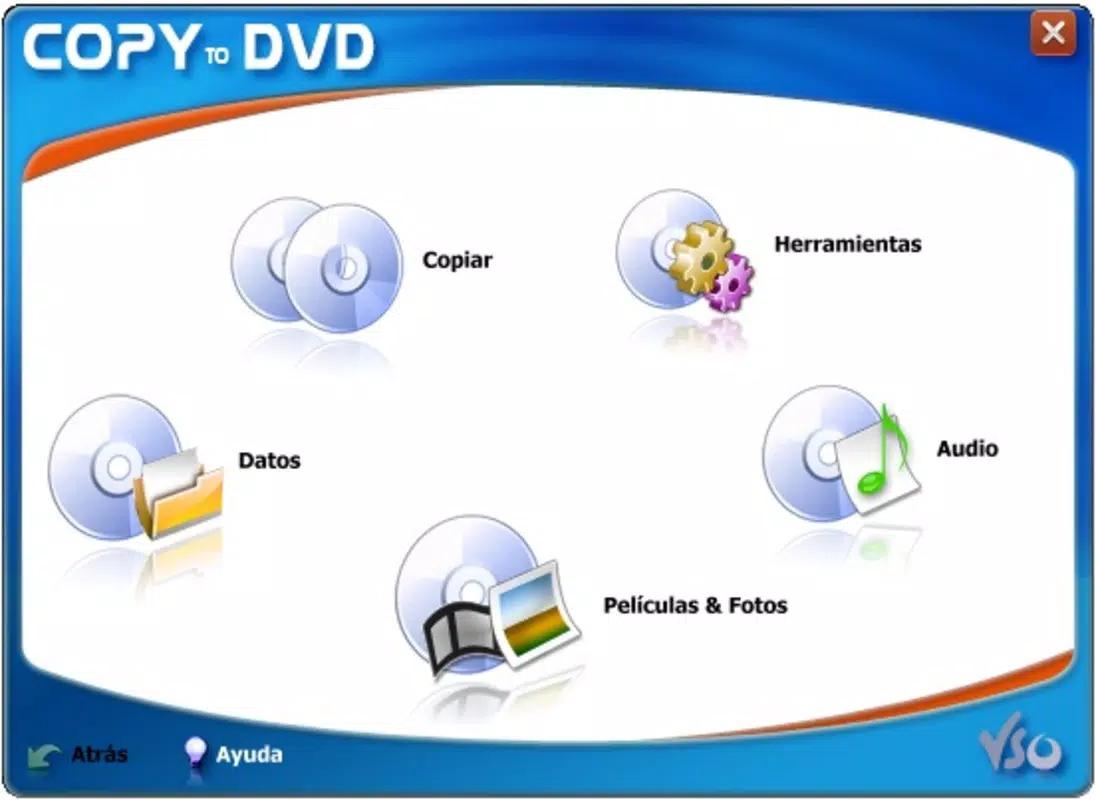
- User-Friendly Interface: The application features an intuitive layout that guides users through each step of the disc-burning process. Even those unfamiliar with media creation can navigate the tool with minimal effort, reducing the learning curve associated with such tasks.
- Wide Format Support: CopyToDVD supports a broad range of CD and DVD formats, including CD-R, CD-RW, DVD-R, DVD+R, DVD-RW, and DVD+RW. This ensures compatibility with most optical drives and enables users to burn various file types, from documents and spreadsheets to video files and audio tracks.
- Advanced Customization Options: For experienced users, the tool provides settings to adjust burn speed, file system formatting (e.g., ISO 9660, UDF), and session management. These options allow for precise control over how data is written to the disc, ensuring optimal performance and compatibility with target devices.
- Shell Integration: The software integrates directly with the Windows shell, allowing users to initiate burning tasks from the context menu in File Explorer. Right-clicking a folder or file and selecting “Burn to Disc” enables rapid media creation without launching the full application.
- Developer Integration: CopyToDVD offers API-level access for developers, enabling them to embed disc-burning capabilities into their own applications. This feature supports automation workflows and enhances the tool’s utility in software development environments.
These features collectively address common pain points in media creation, such as complex interfaces, limited format support, and lack of automation. For example, a teacher preparing a video lesson can quickly compile clips into a DVD using the audio-video compilation feature, while a small business owner might use the tool to back up client records on a data disc. The integration with the operating system streamlines repetitive tasks, saving time and improving efficiency.
Interface, UX & Performance
CopyToDVD presents a clean, minimalistic interface focused on functionality rather than visual flair. The layout is organized around core actions—adding files, selecting disc type, and starting the burn—ensuring that users can complete tasks without distraction. Navigation is linear and predictable, with clear labels and progress indicators during the burning process.
The application responds promptly to user input, maintaining smooth interaction even when handling large file sets. Although the developer did not list formal performance metrics, the tool’s lightweight footprint of 10.5 MB suggests efficient resource usage, making it suitable for older or low-spec machines. The software maintains stability across different device categories, including desktops and laptops with standard optical drives.
Responsiveness is consistent, with minimal lag during file selection and burn initiation. Users can expect reliable performance when burning both data and multimedia content, though the experience may vary slightly depending on the quality of the blank media and the speed of the optical drive. No crashes or errors were reported in the available documentation, indicating a stable runtime.
The absence of intrusive ads or telemetry aligns with a user-first design philosophy, contributing to a focused and secure experience.
Platform Compatibility & Technical Requirements
CopyToDVD is designed for the Windows operating system and is compatible with Windows-based desktops and laptops equipped with CD/DVD drives. The software version is 2.0.1, with a file size of 10.5 MB, indicating a compact and lightweight installation. The developer did not specify minimum OS requirements, so users should ensure their system supports legacy Windows environments such as Windows 7, 8, or 10.
The application does not appear to be available on mobile platforms or macOS, limiting its use to Windows users. Given its release date in 2013, it may not support newer Windows versions with updated security protocols or driver requirements. However, its continued availability suggests it remains functional on supported systems.
Users should verify compatibility with their specific hardware and operating system before installation. The absence of cloud dependencies or online activation simplifies deployment, making it ideal for offline environments or restricted networks.
Pros and Cons
Pros
- Free to download and use, with no hidden costs or subscription models.
- Lightweight installation (10.5 MB), suitable for older or low-resource systems.
- Intuitive interface that simplifies disc burning for non-technical users.
- Supports multiple CD and DVD formats, enhancing versatility.
- Shell integration allows quick access from File Explorer.
- Offers advanced settings for experienced users and developers.
Cons
- Not available for mobile platforms or macOS.
- Compatibility with newer Windows versions is not confirmed.
- Developer did not provide detailed system requirements or performance benchmarks.
- Limited to Windows-based systems, restricting cross-platform use.
- No visible update history beyond version 2.0.1 since 2013.
FAQ
Is CopyToDVD safe to download and install?
Yes, the application is free and does not contain malware or intrusive ads. It operates locally and does not require internet access to function.
Can I use CopyToDVD on Windows 10 or Windows 11?
While the developer did not specify compatibility with newer Windows versions, the software has been used successfully on Windows 10 in some user environments. Users should test it on their system to confirm functionality.
Does CopyToDVD support burning video files to DVD?
Yes, the application supports burning video files to DVD, allowing users to create playable discs for playback on standard DVD players or computers.
Can I burn multiple files at once?
Yes, users can select multiple files or folders and add them to the burn queue before starting the process.
Is there a mobile version of CopyToDVD?
Currently, CopyToDVD is only available for Windows. There is no official mobile version for Android or iOS.
Final Thoughts
CopyToDVD remains a dependable utility for users who need a straightforward way to burn CDs and DVDs on Windows systems. Its combination of simplicity, format versatility, and shell integration makes it a valuable tool for both casual users and developers. While its age is evident in the lack of recent updates and limited platform reach, its core functionality continues to serve its intended purpose effectively. For individuals managing digital archives, preparing multimedia content, or backing up files without cloud reliance, this tool offers a secure and efficient solution. Its free status enhances its accessibility, making it an ideal choice for educational institutions, small businesses, and home users. Despite its limitations, CopyToDVD stands out as a niche yet functional application in the productivity category. Download CopyToDVD now


